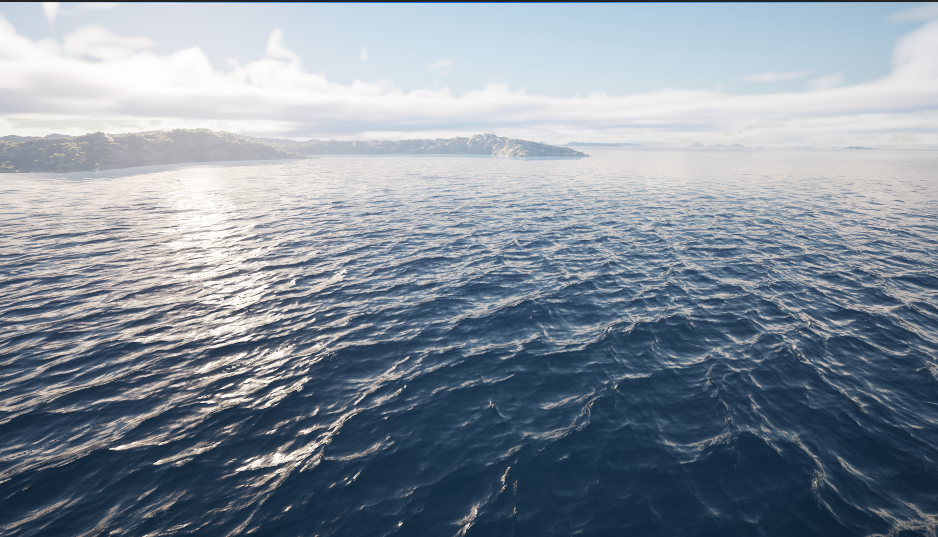
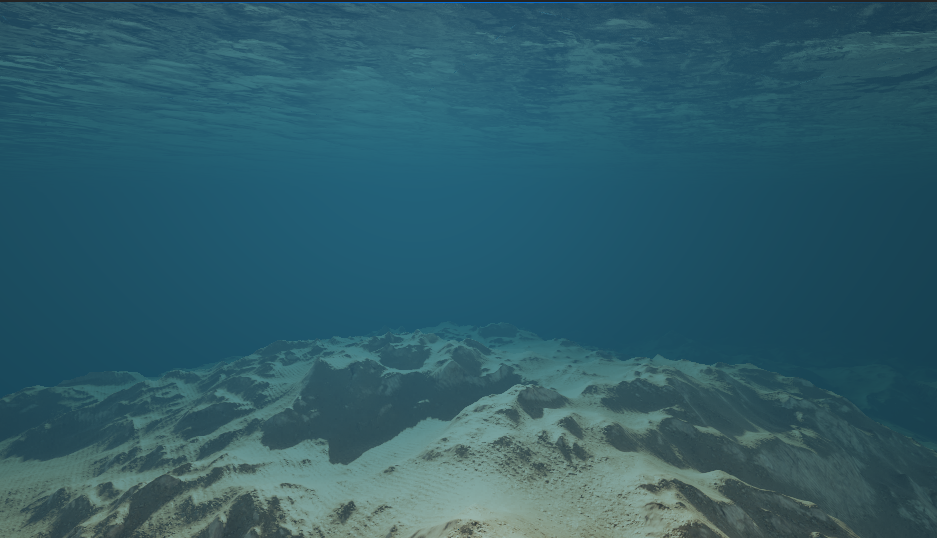
Water
PPG can generate planetary water meshes and drive a native C++/HLSL GPU ocean wave simulation.
Enabling Water
In the Planet Data Asset, enable:
Generate Water
Then assign:
Water MaterialFar Water Material- optional
Water Simulation Data Recursion Level For Material Change
The spawner controls runtime water generation and simulation behavior.
For water using the Single Layer Water shading model, use the Planetary Single Layer Water output in the water material. Its scattering and absorption coefficients are per centimeter; Density Scale multiplies both. The planetary output supplies radial sea-surface geometry to PPG's water shader hook. Install Planetary Single Layer Water under Project Settings > Plugins > Procedural Planet Generation - Shader Hooks, restart the editor, and recompile the material.
Spawner Water Settings
| Setting | Description |
|---|---|
Enable Ocean Simulation |
Starts or stops the native GPU ocean simulation. |
Max Recursion Water Tessellation |
Water quads per edge for chunks at maximum terrain recursion level. |
Far Water Tessellation |
Water quads per edge for chunks below maximum terrain recursion level. |
Generate Custom Depth Water Coverage |
Generates hidden custom-depth water coverage for underwater post processing. |
Custom Depth Water Resolution Percent |
Tessellation scale for custom-depth-only water coverage. |
Custom Depth Water Material |
Material used by custom-depth-only water chunks. |
Generate Water Skirts |
Adds inward radial skirts to hide cracks between water chunks. |
Water Skirt Length Scale |
Skirt length as a fraction of chunk size. |
Water Simulation Data
Water Simulation Data Asset stores the spectral, foam, wind, roughness, and timing parameters used by the native ocean simulation. It does not store render targets.
Notable groups:
Water|Per Cascade: amplitude, choppiness, patch length, cutoffs, wind tightenWater|Foam: injection, threshold, fade, blurWater|Wind: wind speed and directionWater|Roughness: roughness power and sample countWater|Misc: repeat period and gravity
The ocean simulation is based on Epic's Ocean Simulation community tutorial. That tutorial is also a useful reference for what the simulation parameters mean.
Shared Simulations
The plugin automatically creates a per-world actor named PPG Water Simulations. This actor owns the simulation components and is visible in the World Outliner for inspection, but it is managed by the plugin and cannot be deleted manually.
Each distinct Water Simulation Data asset receives one simulation component and one set of transient runtime render targets. Multiple planets using the same asset share those resources and the associated GPU work. Use different data assets when planets need independent wave conditions.
SM5 and SM6
The native simulation supports D3D11/SM5, D3D12/SM5, and D3D12/SM6. SM6 uses the optimized in-place FFT and single export pass. SM5 uses compatibility scratch resources and two export passes to remain within the eight-UAV limit. The SM5 compatibility path does not reduce SM6 performance.
Water Material Nodes
PPG includes water-specific material expressions:
Planetary Water ShadingPlanetary Underwater Post ProcessPlanetary Single Layer WaterPlanet Seamless WaterPlanet Water Vertex CoordinatesPlanet Water UV
Use the nodes that match the material's wave, water shading, and underwater effects.
Seamless Wave Mapping
Planet Seamless Water samples the ocean simulation across cube faces. Its outputs provide world-space displacement and normal, foam, and Jacobian:
- Connect
Displacement WSto the water material's world-position offset path. - Pass each
Packed Cascade 0–3output ofPlanet Water Vertex Coordinatesthrough its ownVertexInterpolatorto the matchingVertex Cascade 0–3input onPlanet Seamless Water. - Use
Normal WSfor wave shading. Transform it to tangent space when the material uses tangent-space normals. - Use
Foamas a mask for foam color, roughness, or normal detail.
Wave Strength defaults to 1, and disconnected Cascade Weights enable all four cascades. Keep the same strength and weights for displacement and shading. Precise Close Normals improves nearby normal filtering at additional texture-sampling cost.
Planet Water UV supplies a tiled UV for decorative foam or normal textures. Its Grid UV output is for the generated height-mask sampling path; keep it connected when the water material uses terrain height to attenuate waves.